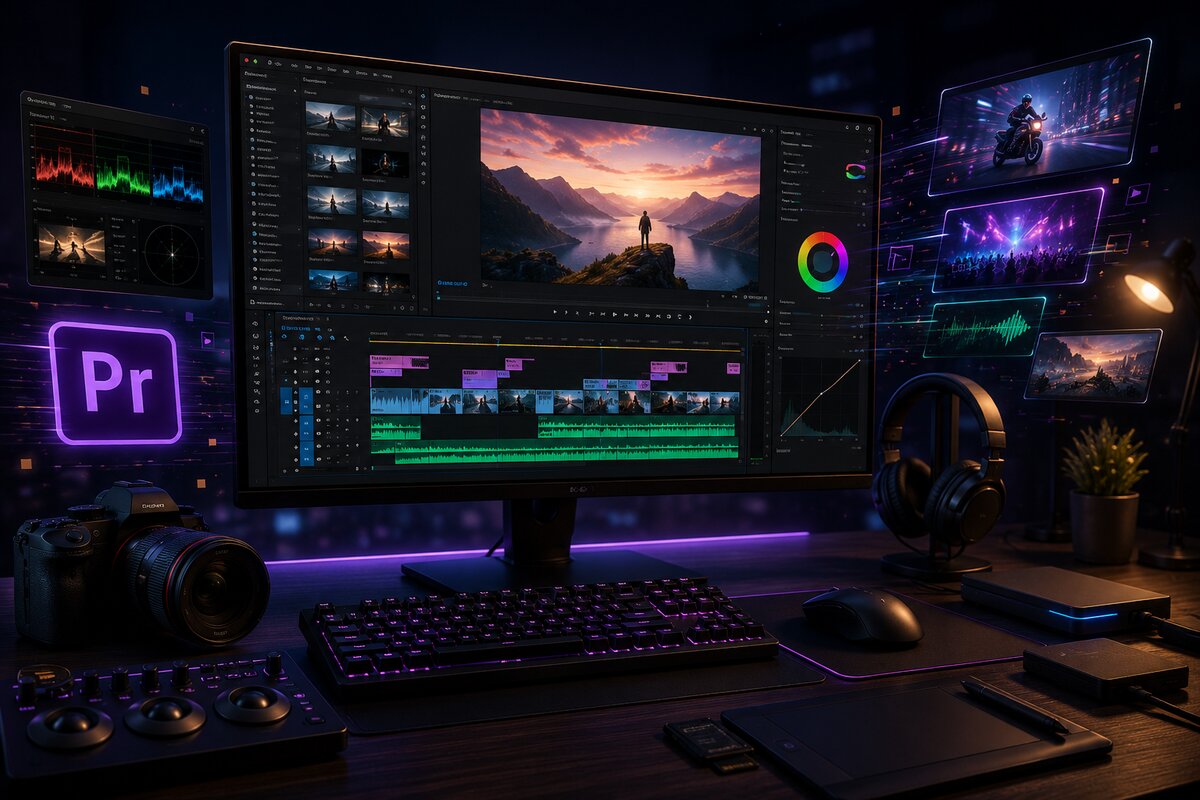
Opening Adobe Premiere Pro for the first time can be overwhelming — panels everywhere, dozens of icons, a timeline that looks nothing like a finished video yet. This article walks through exactly what you need to know to start editing your very first project.
The Premiere Pro Workspace
Premiere Pro's interface is built around a few key panels: the Project panel where your imported clips live, the Source/Program monitor where you preview footage, and the Timeline where you actually build your video. Everything else supports these three core areas.
Starting a New Project
When you create a new project, Premiere asks where to save your files and what frame rate/resolution to use. For most social media or YouTube content, 1080p at 24, 30, or 60fps (matching your footage) is the standard starting point.
The Five Tools Every Beginner Should Master First
- Selection Tool (V): For moving and selecting clips on the timeline.
- Razor Tool (C): For cutting clips at a specific point.
- Ripple Edit Tool: For trimming a clip without leaving a gap behind.
- Text Tool: For adding titles and captions directly onto your video.
- Lumetri Color Panel: For basic color correction and grading.
A Simple First Edit Workflow
- Import your footage into the Project panel.
- Drag your main clips onto the timeline in order.
- Trim the unwanted parts using the Razor and Ripple Edit tools.
- Add a music track underneath your video clips.
- Apply basic color correction with Lumetri Color.
- Add titles or captions where needed.
- Export using File → Export → Media.
Don't Forget Audio
Many beginners focus entirely on visuals and ignore audio quality — but viewers notice bad audio far more than imperfect video. For more detailed sound editing, Adobe Audition (which works seamlessly with Premiere Pro) is the next tool worth learning once you're comfortable with the basics.
The Real Skill Is Repetition
No article or tutorial replaces hours of actual editing. Open Premiere, import some clips, and just start cutting. Your first few edits won't look professional — and that's completely normal. Every editor's early work looks rough.
Go From Beginner to Pro Editor
My Video Editing course covers Premiere Pro, Adobe Audition, and CapCut in full detail with real projects — PKR 10,000/month.
View Editing Course