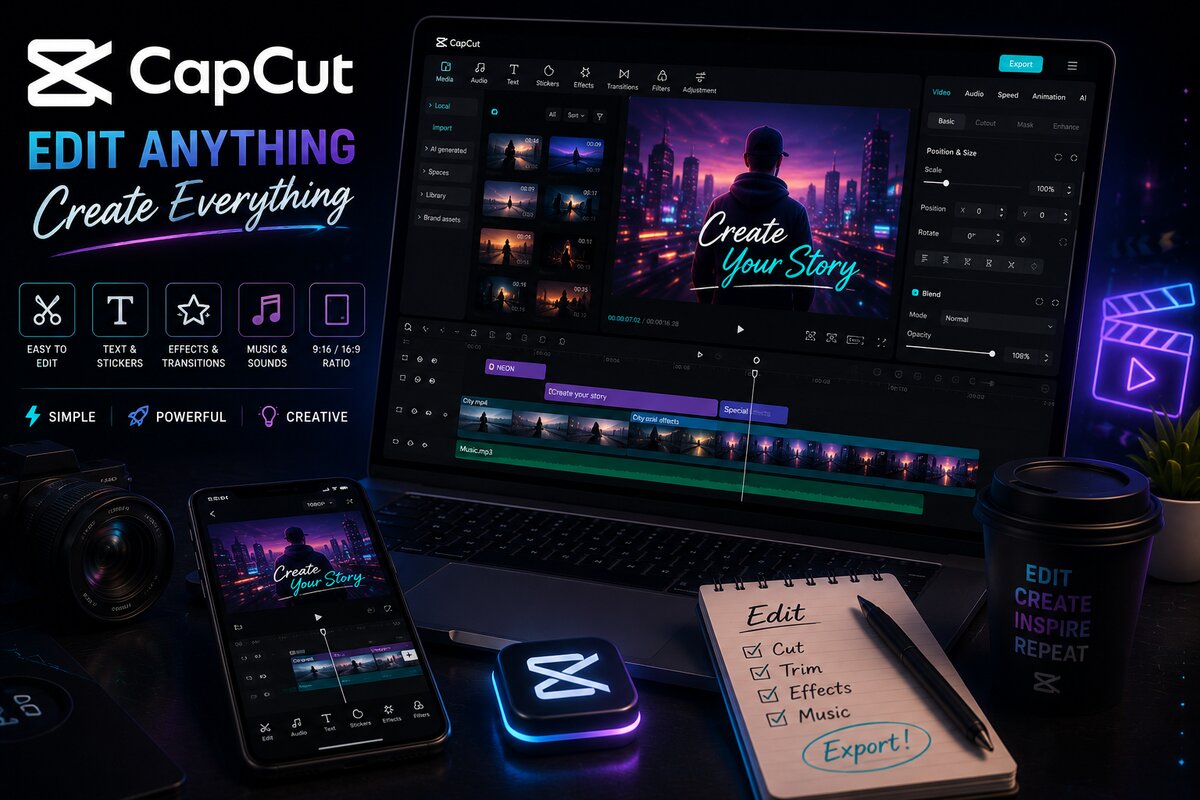
I get asked this constantly: "Should I learn CapCut or Premiere Pro first?" The honest answer depends entirely on what you want to create — and the good news is, the editing logic you learn in one transfers directly to the other.
What CapCut Is Best For
CapCut is fast, mobile-friendly, and built for short-form content — Reels, TikToks, and YouTube Shorts. Its templates, auto-captions, and trending effects make it incredibly efficient for creators who need to publish quickly and consistently.
CapCut's Strengths
- Edit directly on your phone — no computer needed
- Auto-captions and trending sound/effect templates
- Fast export times, ideal for daily content creators
- Free, with most essential tools unlocked
What Premiere Pro Is Best For
Premiere Pro is the industry standard for longer-form, professional-grade work — YouTube videos, commercials, documentaries, and client projects. It offers far deeper control over color grading, audio mixing, and multi-layered timelines than any mobile app can match.
Premiere Pro's Strengths
- Professional color grading with Lumetri Color
- Deep integration with Adobe Audition for sound design
- Multi-cam editing for interviews and events
- Industry-standard — required for most paid editing jobs
So Which Should You Learn First?
If your goal is to grow a personal brand on social media quickly, start with CapCut — you'll see results faster and build a content habit. If your goal is to freelance professionally or work on client/commercial projects, Premiere Pro is non-negotiable, and the sooner you start, the sooner you'll be job-ready.
The Smart Long-Term Path
Most successful editors I know eventually learn both. CapCut for quick social content and personal brand growth, Premiere Pro (often paired with Adobe Audition for audio) for serious client work and higher-paying freelance projects. Learning the core editing logic — cuts, pacing, color, sound — transfers between both tools.
Learn Both, the Right Way
My Video Editing course covers Premiere Pro, Adobe Audition, and CapCut together — so you're ready for any project — PKR 10,000/month.
View Editing Course